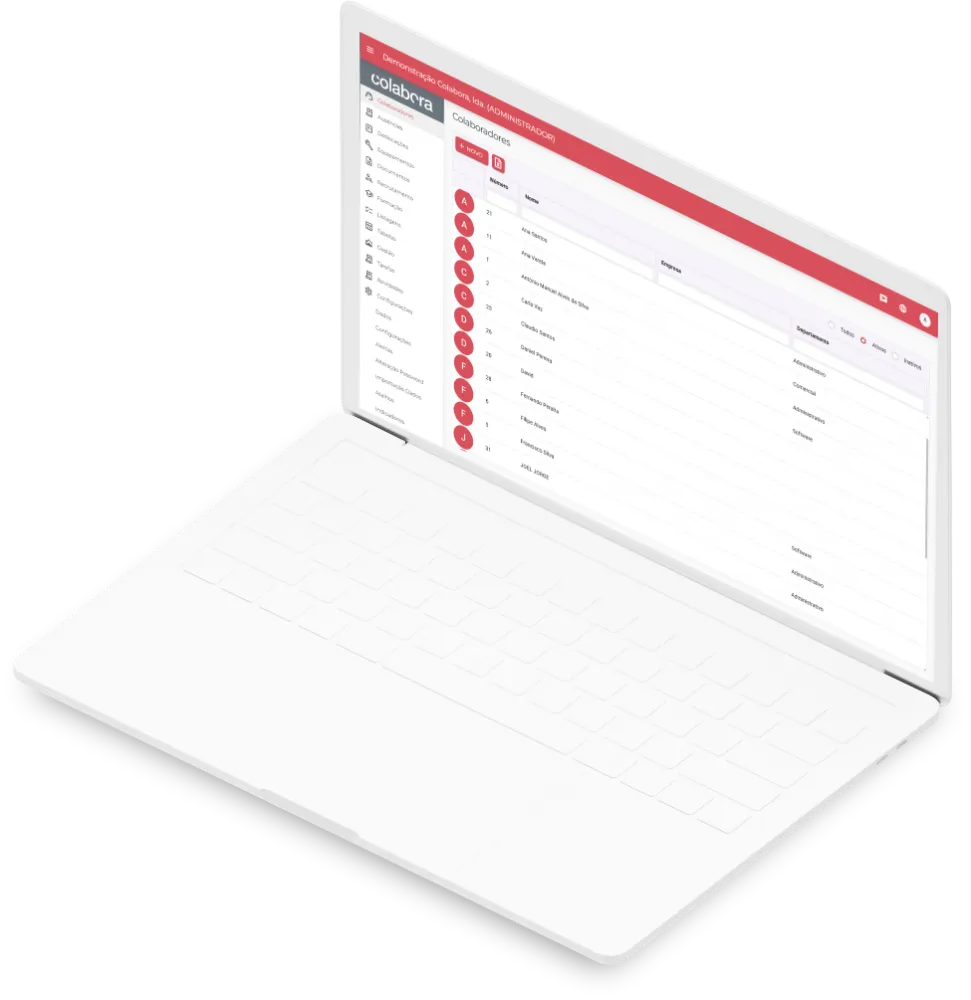
Employees
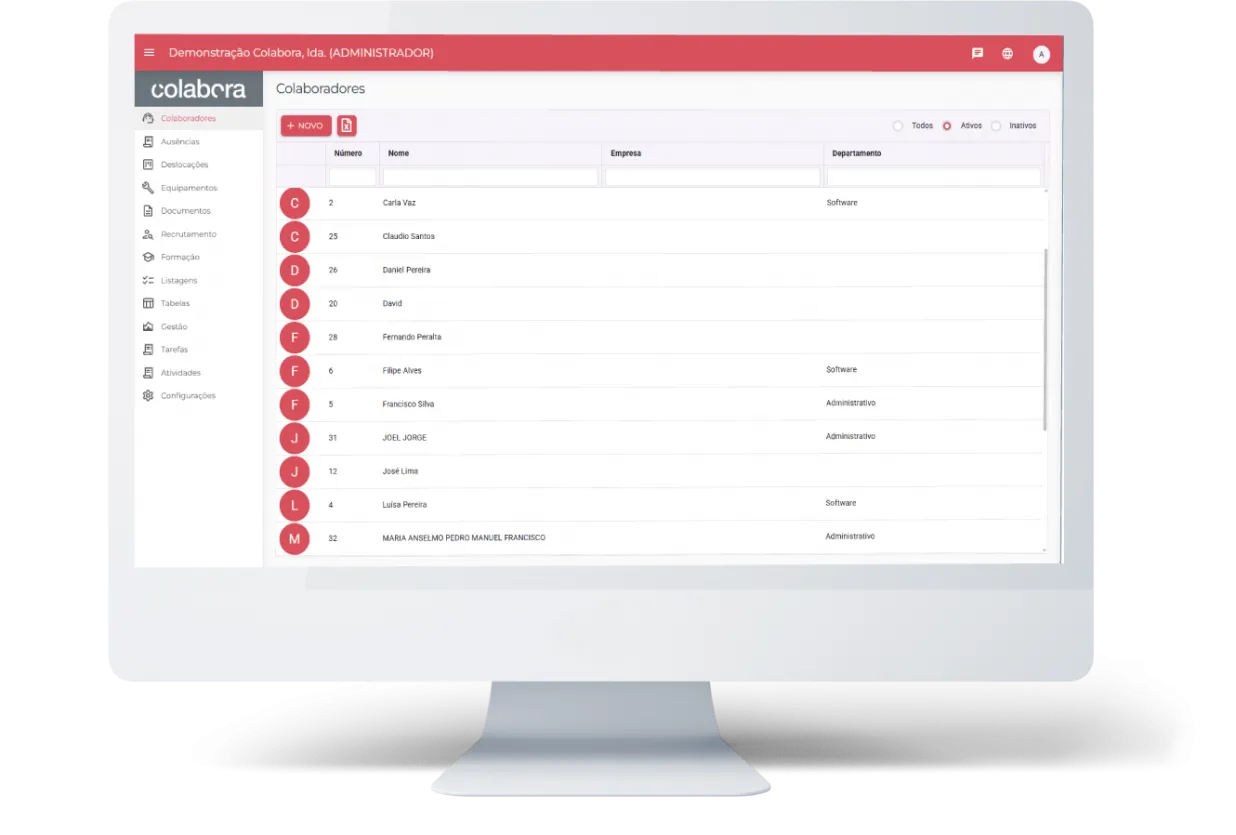
- Complete employee record, with identification, photo and academic, tax and contract information.
- Colour coding, making employees easier to identify and manage.
- Holiday and absence tracking, for simpler, more effective follow-up.
- Documents such as employment contracts and tax identification centralised in one place.
- History of assigned equipment, for greater control and traceability.
- Record of training completed, making it easier to follow each employee's progress.
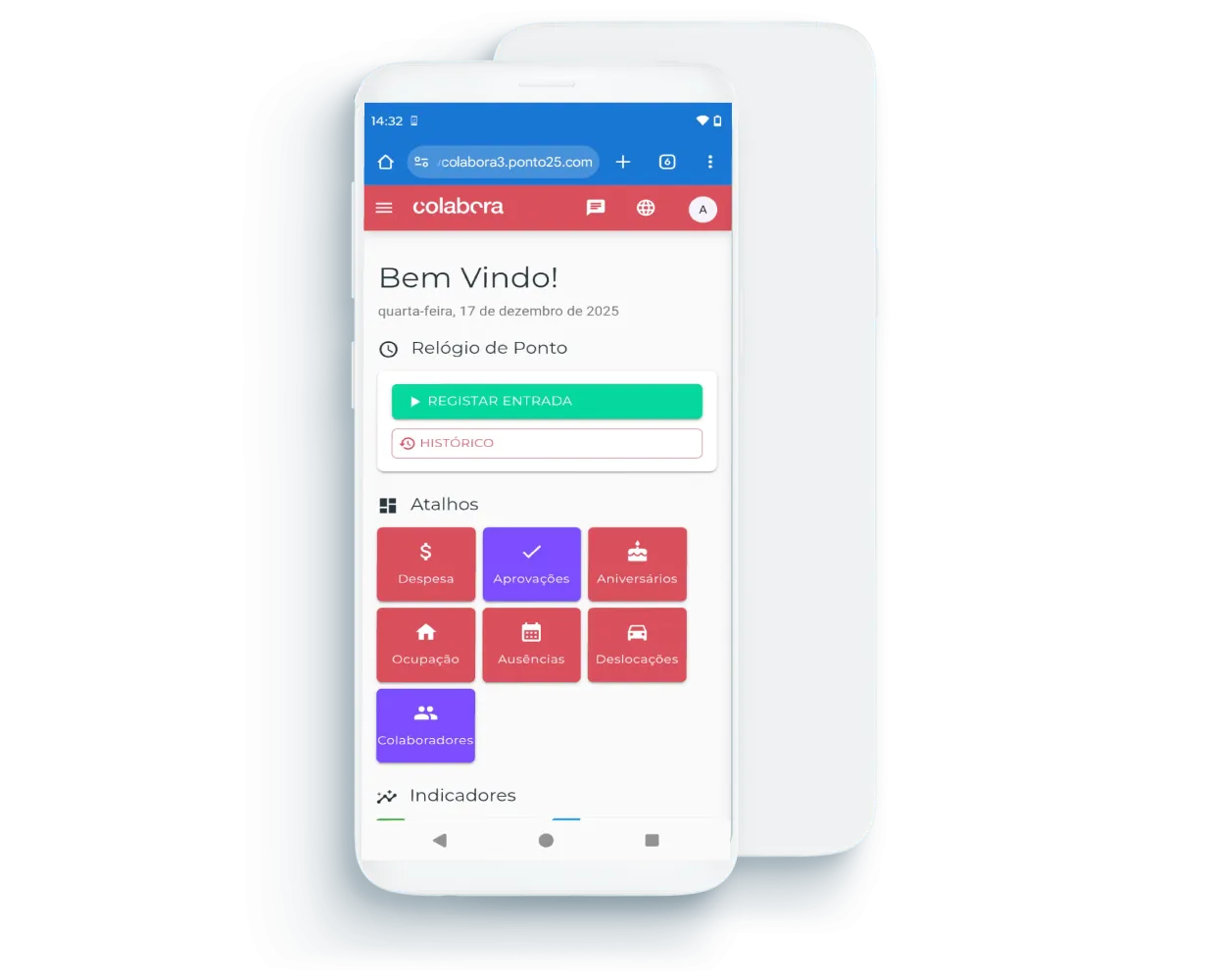
Time Clock
- Clock in and out from a computer or the mobile app, for greater day-to-day flexibility.
- Working hours tracked per employee, with the date and time of start and finish.
- Geolocation at the time of clocking, so you can check where each record was made.
- Quick look-up of records, with filters by employee and location.
- Export history to Excel, making analysis, control and reporting easier.
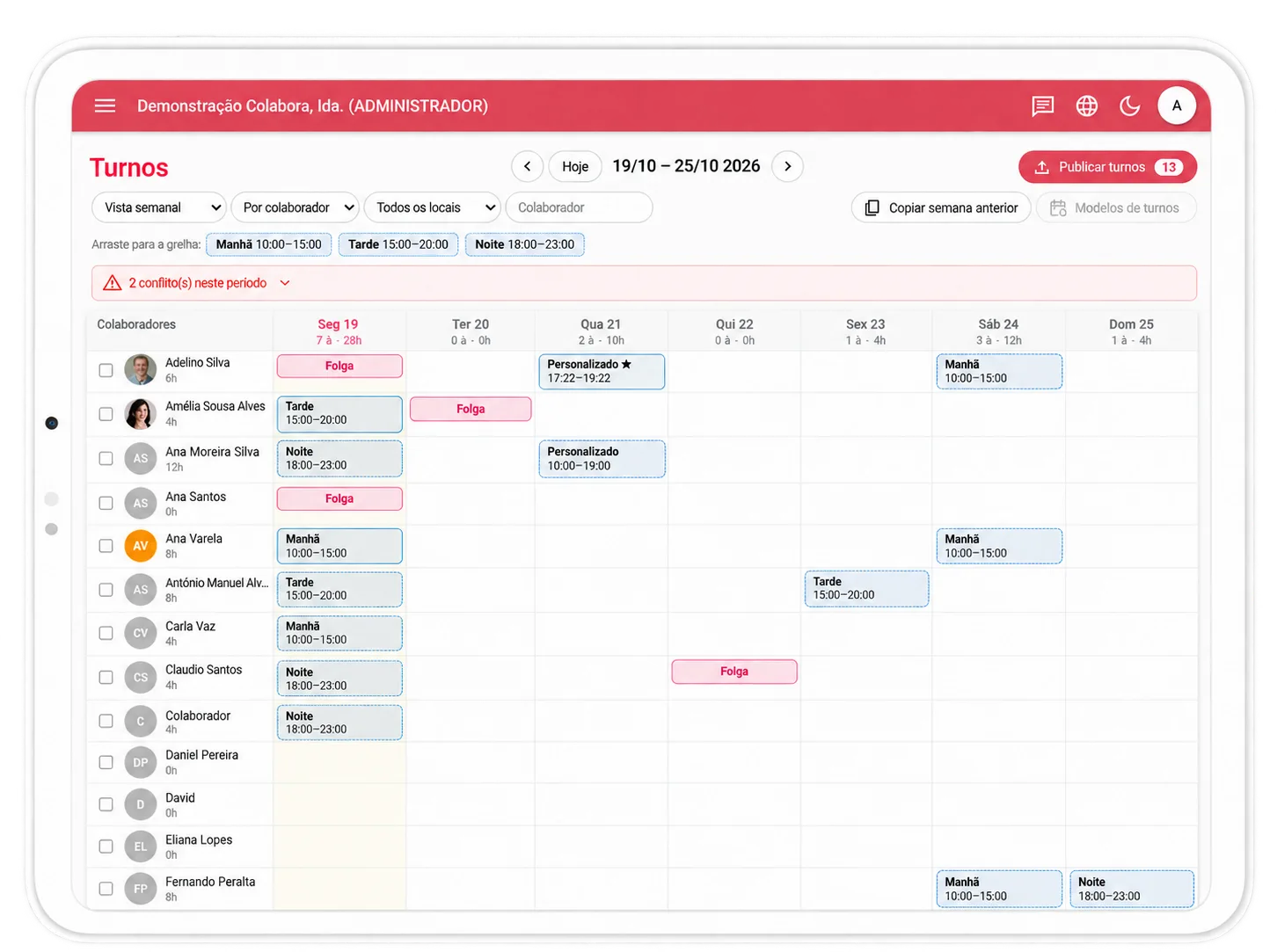
Turnos
- Registo de turnos por colaborador e semana;
- Gestão de trocas por aprovar e histórico;
- Criação de modelos de turnos - rotações que se repetem sempre;
- Gestão de regras (folgas fixas, part-time fim de semana, aberturas e fechos);
- Estatísticas dos turnos.
Absences
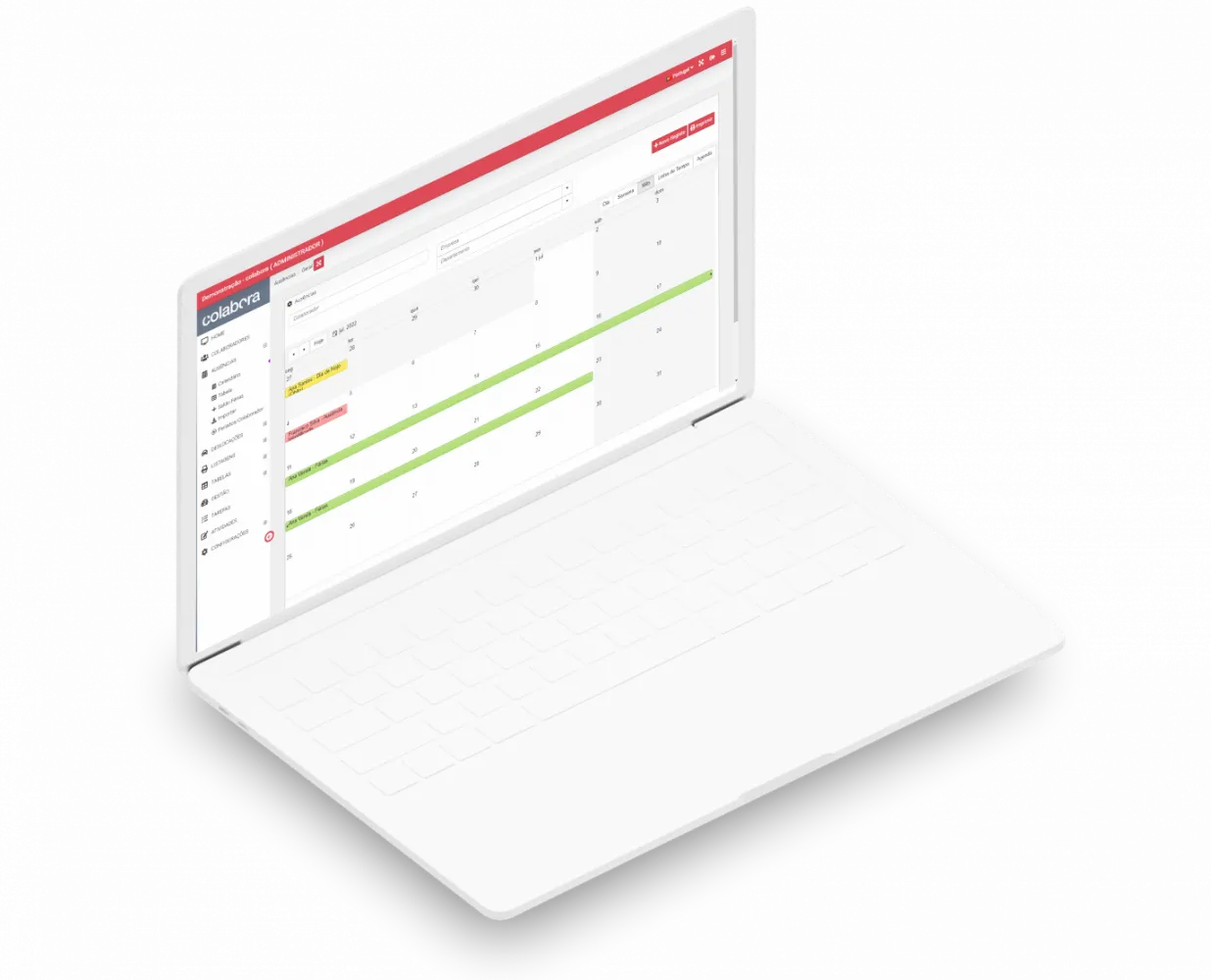
- Absence calendar, with a clear view of holidays and other planned absences.
- Filters by employee, company or department, making management and look-up easier.
- Bulk import of holiday balances, simplifying initial data setup.
- Classification by absence type, such as holidays, leave, sick leave and others.
- Attach documents such as justifications or medical certificates.
- Colour coding to see the status of absences at a glance.
- View and print absences, supporting management and administrative control.
Recruitment
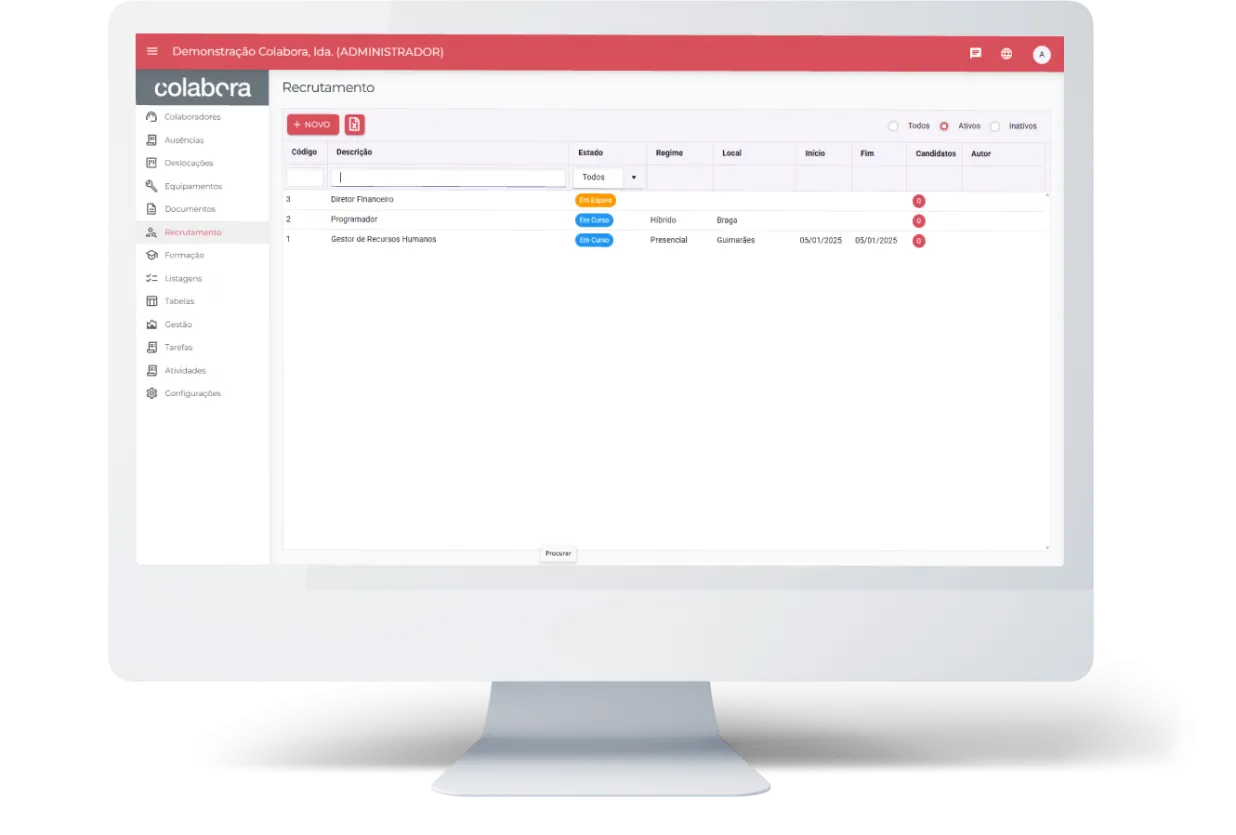
- Create job vacancies quickly, with a description of the role and the company.
- Assessment criteria to make candidate selection easier.
- Public application link, for simple data collection.
- Centralised candidate management, viewable by vacancy.
- Status tracking throughout the recruitment process.
- Recruitment statistics, with indicators for candidates, interviews and hires.
Training
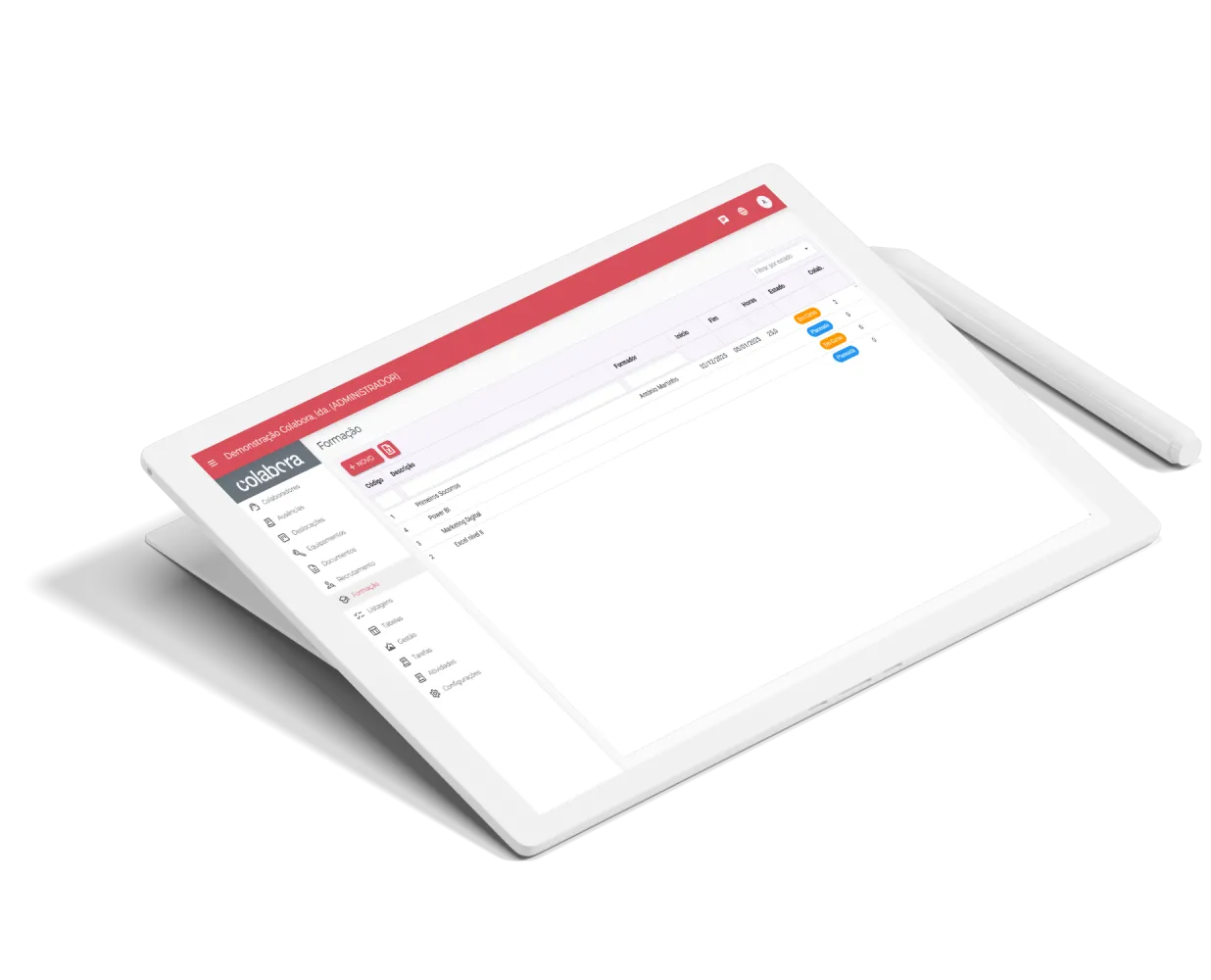
- Training course management, with trainer, location, dates and number of hours.
- Tracking of enrolled employees and completed training.
- Documents such as training plans and certificates centralised in one place.
- View of ongoing and completed training.
- Training statistics, with indicators for employees and completed training.
Business Trips
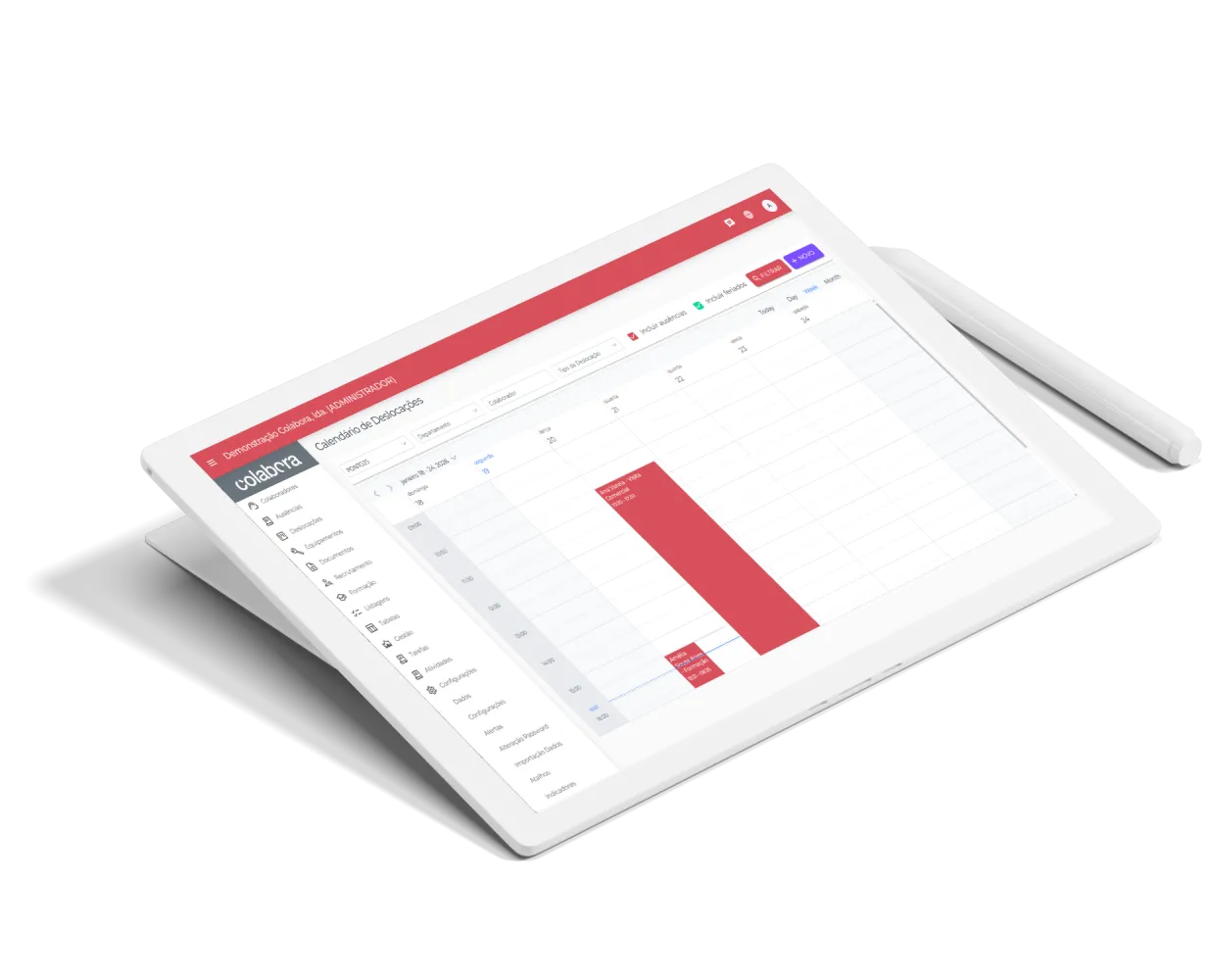
- Simple scheduling of business trips, for better planning and organisation of off-site activities.
- Management by employee and trip type, making it easier to follow maintenance jobs, sales visits, meetings and other activities.
- Start and end dates, giving a clear view of how long each trip lasts.
- Filters by department, employee or type, for quick and efficient look-up.
- Record of related expenses, making cost control and administration easier.
- Attach receipts, for better organisation and supporting documentation for each trip.
Equipment
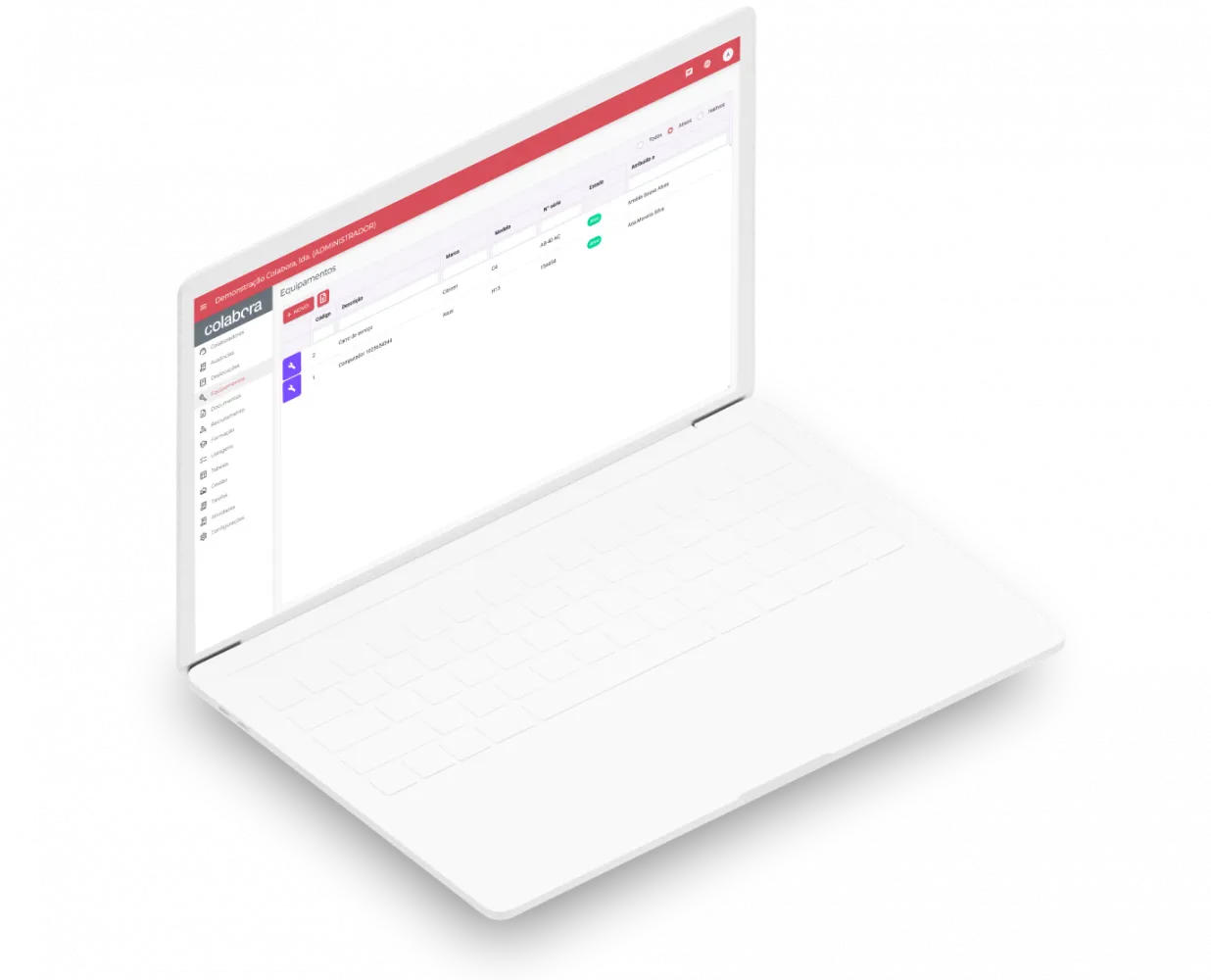
- Complete equipment records, with details such as make, model, serial number, year and value.
- Tracking by location, making each item easier to manage and identify.
- Attach a photo, for quick recognition and better visual control.
- Assignment to employees, so you know who is responsible for each item.
- Movement history, recording handover and return dates.
- Attach documents such as proofs of purchase, requisitions and other relevant files.
Activities/Projects
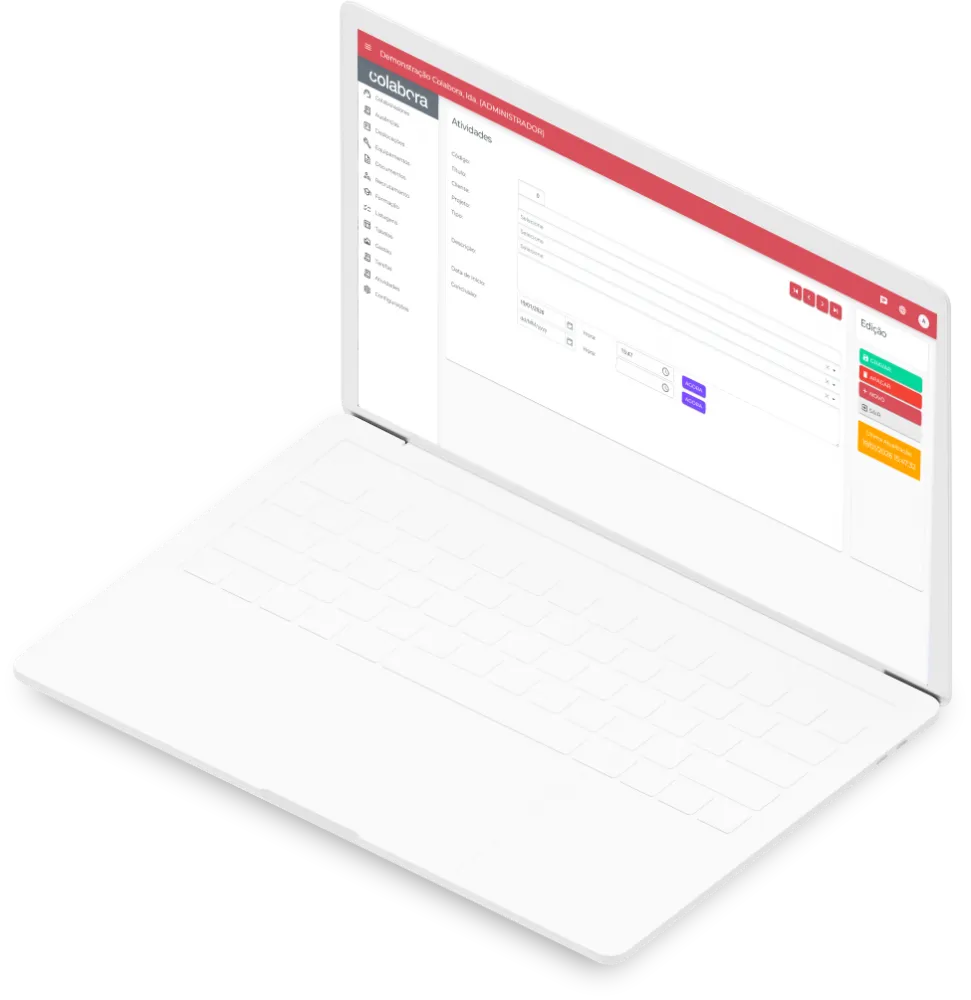
- Activity recording and planning, making it easy to organise the work to be done.
- Identification by project, customer and activity type, for better task organisation.
- Activity status tracking, distinguishing urgent, pending and completed items.
- Tracking of the time spent on each task, helping to improve resource management.
- Quick look-up with filters by activity, customer, project or employee.
- Summary view by project, customer and employee, making productivity analysis easier.
Attendance
- Instant view of who is in and who is absent, making daily operational control easier.
- Quick view of employees and visitors on site, improving organisation and security.
- Identification by department, for clearer team management.
- Structured visitor log, with detailed information on room, host and number of people.
- View and print lists, supporting internal control and reception.
Alerts
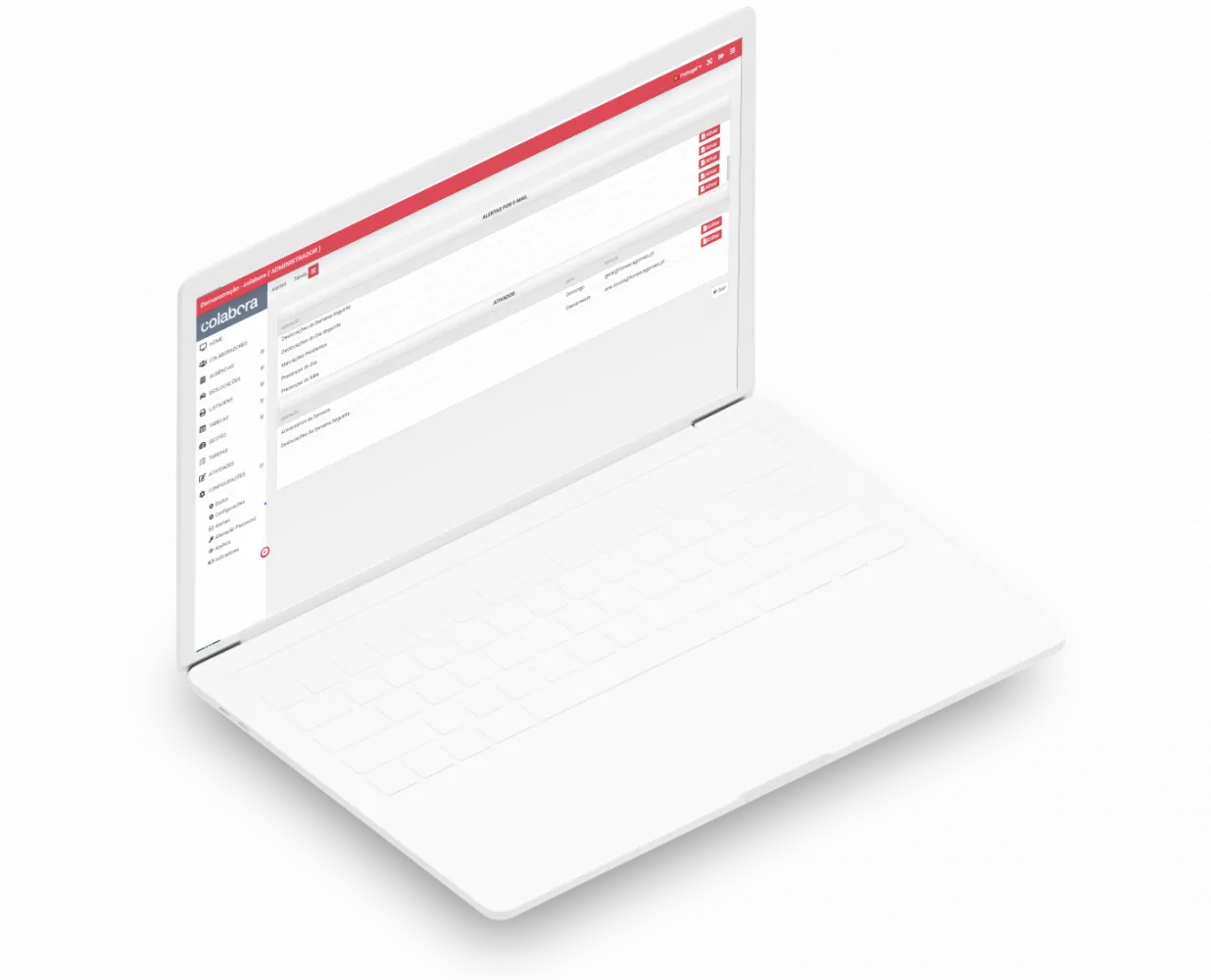
- Real-time push notifications for approval alerts and other important actions.
- Automatic email alerts, so that no important task or event is forgotten.
- Recurring alerts scheduled by frequency, adapting notifications to your organisation's needs.
- Notification of pending bookings, making it easier to keep track of commitments.
- Reminders of upcoming business trips, for the next day or the week ahead.
- Management of active alerts, so you can quickly see which ones are running.
Try colabora for free
Create your account on the colabora sign-up page and get a trial licence ready to use within minutes.
You can try the software for 15 days, free of charge.